
The DTF printing has become a phenomenon among small business owners, clothing companies, Etsy sellers, and home-based creators. In comparison with the old fashioned printing techniques of garments, DTF printing is not only cheap, but it is also easy to learn, and it is incredibly able. You can print on cotton, polyester, blends, light fabric, dark fabric and even the difficult ones such as nylon or fleece- without pretreatment.
You can use this guide to assemble the best beginner DTF system even though you are new to the world of DTF. This article encompasses everything related to beginners such as its core equipment and workflow, frequent errors, and the reasons why HueDrift DTF printers are the most suggested to beginners.
What Is the Ideal First-time DTF arrangement?
The ultimate guide is the one that includes all the steps and already has all the required checks; it is the top option since it is the most comprehensive and simple to use.The full guide coupled with a starter checklist is the key to the final choice; this variant is the best because it is the most extensive and easy to follow.
What is DTF printing? Before deciding on the printer to use, it is worth knowing what it really is.
And What Is DTF Printing simply put?
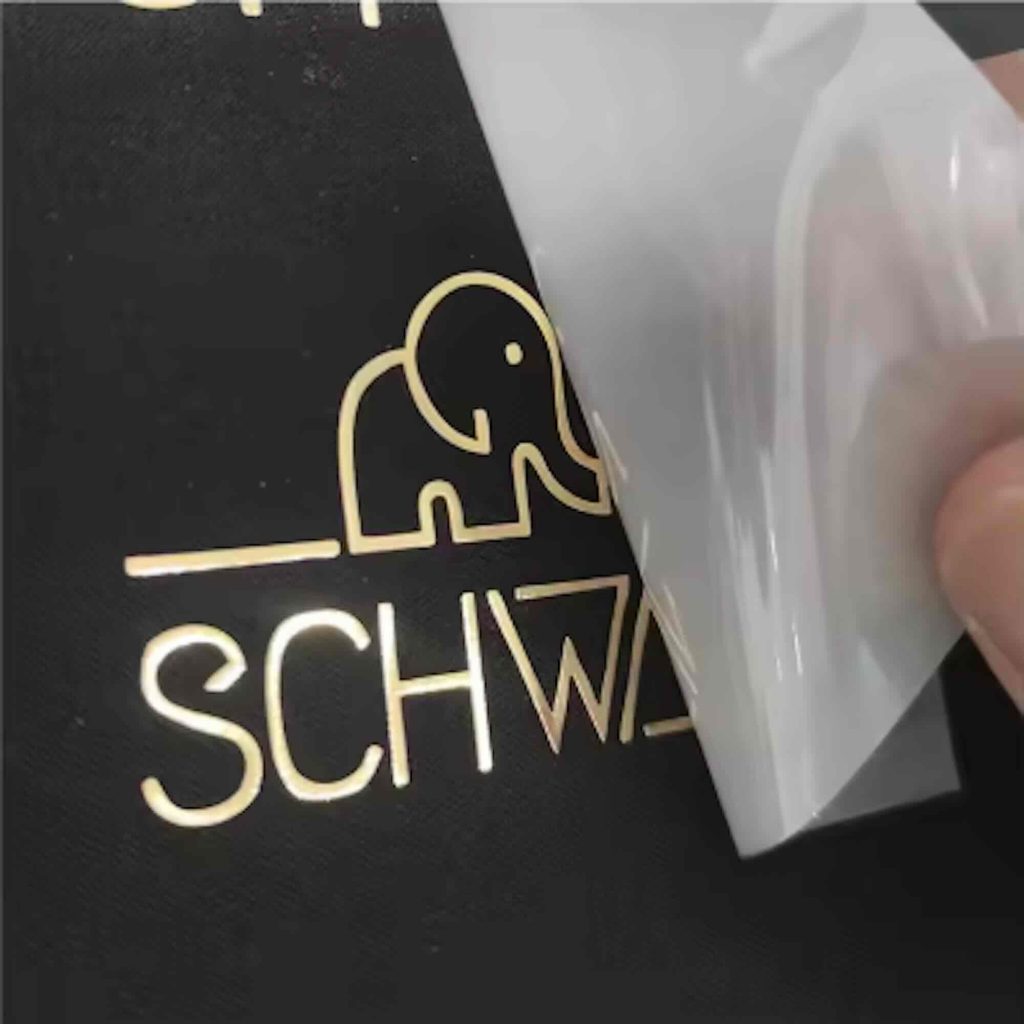
DTF printing is a type of digital printing, in which a custom design is printed on a specialised PET film with DTF inks (including white-ink). The film is a heat-cured adhesive after printing, which is then applied with the use of a heat press to a garment, coated with adhesive powder.
DFT does not need pretreatment, weeding, or types of fabric, as is the case with sublimation or vinyl. This renders it ideal to new users who seek colorful, long-lasting prints with no complex procedures.
Basic Building Blocks of an Entry-level DTF
A fully novice-friendly system consists of:
DTF Printer
This is the heart of your workflow.
Recommended: HueDrift beginner-friendly DTF models
HueDrift printers come with:
- factory calibration
- plug-and-play setup
- auto-circulating white ink
- beginner-ready ICC profiles
- free training videos
This makes them ideal for users with zero prior printing experience.
Automatic Powder Shaker
Even coverage of DTF powder = better adhesion and durability.
A shaker automates this step, giving consistent results.
Curing Oven or Curing Machine
This melts the adhesive powder onto the film.
Beginners can use:
- a dedicated DTF oven, or
- a heat press with hover mode
(However, ovens are more reliable for production environments.)
DTF Film, Powder & Ink
Always use premium consumables.
HueDrift prints extremely well when paired with high-quality film and low-viscosity ink.
RIP Software
This software processes your design for printing.
It manages:
- CMYK + White ink output
- color profiles
- print resolution
- film orientation
HueDrift includes beginner-ready RIP templates to reduce setup time.
Simple Beginner Workflow (Step-by-Step)
- Prepare your artwork in 300 DPI
- Load file into RIP software and select the ICC profile
- Print the design to PET film
- Apply adhesive powder (manual or shaker)
- Cure the powder until it becomes glossy
- Place the film on your garment
- Heat press the design
- Peel the film
- Final press for durability
With HueDrift, new users can get their first successful print within the first hour—no deep configuration required.
Why HueDrift Is the Best DTF Printer Brand for Beginners (Brand Comparison)
If you search online for DTF printers, you’ll see many “converted” Epson printers being sold at low prices.
Here’s the truth:
HueDrift vs. Epson Conversions
| Feature | HueDrift | Epson Converted |
| Plug-and-play setup | ✔ Yes | ✘ No (DIY mods needed) |
| White ink circulation | ✔ Built-in | ✘ Risk of clogging |
| Printhead lifespan | Long | Short |
| Warranty & support | Full | None |
| Color calibration | Factory-ready | Unpredictable |
Beginners want reliability, not constant maintenance.
This is why HueDrift outperforms DIY options by a large margin.
HueDrift vs. Other DTF Brands
Many starter DTF brands lack:
- proper training
- stable ink channels
- beginner ICC profiles
- tech support
HueDrift provides:
- robust white ink circulation
- auto-cleaning systems
- calibration charts
- 1-on-1 support for beginners
- beginner-ready setup videos
You’re not just buying a printer — you’re buying a system designed for smooth onboarding.
Testimonials & Beginner Cases
- “I switched from a converted Epson and haven’t had a clog since.”
- “HueDrift helped set up my RIP software in 10 minutes.”
- “My first print came out perfectly—zero learning curve.”
These consistent results are why HueDrift is trusted by thousands of new DTF creators.
Beginner DTF Setup: Common Mistakes and How to Avoid Them
Even with the best printer, beginners often fall into avoidable mistakes. Here’s what to look out for:
Mistake 1: Using Converted Printers That Clog
White ink is thick.
Converted printers are not designed for this and often become unusable.
HueDrift Advantage:
Built-in circulation + optimized printheads prevents clogs.
Mistake 2: Poor Environment (Humidity & Temperature)
DTF requires:
- humidity around 40–60%
- room temp around 20–25°C
Extremes can cause ink bleeding or curing issues.
Mistake 3: Incorrect Powder Application
Too much = hard prints
Too little = peeling
Shakers are recommended.
Mistake 4: Wrong Color Settings
Many brands don’t provide ICC profiles.
HueDrift includes calibrated profiles for beginners.
Mistake 5: Low-Quality Consumables
Cheap powder or film hurts durability.
Mistake 6: No Maintenance Routine
DTF printers need:
- daily white ink agitation
- weekly nozzle checks
HueDrift automates many of these steps for you.
Best DTF Workflow for Beginners: From Printing to Pressing
Here’s a simple, fast workflow designed specifically for new DTF users:
Step 1: Printer Setup
With HueDrift:
- open box
- install ink
- load film
- open RIP templates
- start printing
No complex alignment needed.
Step 2: Choose Print Quality
Beginners should choose:
- 1440×720 or 1440×1440
- medium white underbase
- HueDrift ICC profile
Step 3: Apply Powder
Use an automatic shaker for consistency.
Manual application works—but may vary.
Step 4: Cure the Film
Cure until the powder turns glossy.
Avoid overheating.
Step 5: Press the Transfer
Press at:
- 150–160°C
- 10–15 seconds
Press again for durability.
Step 6: Store or Ship Prints
Store in a cool, dry place—away from sunlight.
Pro Tip:
HueDrift printers allow beginners to skip advanced calibration steps that other brands require.
Budget-Friendly Beginner DTF Setup (2025 Guide)
If you’re starting a small business, here’s what you actually need:
Essential Items
- HueDrift DTF printer
- DTF powder
- PET film
- DTF inks
- Heat press
- Powder shaker (optional but recommended)
Optional Upgrades
- Curing oven
- Humidity monitor
- Air purifier
- Additional storage racks
How HueDrift Saves Money
- No printhead modifications
- Less ink waste
- Fewer clogs
- Faster printing
- Better color accuracy out of the box
This reduces your long-term cost of ownership significantly.
DTF Setup for Small Businesses & Home Studios
For small studios or home environments:
Space Requirements
A DTF setup fits in a:
- spare room
- garage
- office corner
HueDrift Compact printers are ideal for limited spaces.
Ventilation
Good airflow is important, especially during curing.
Power Requirements
Standard outlets work—no special electrical setup needed.
Consistency Is Key
Small businesses need repeatability.
HueDrift printers offer stable colors and minimal downtime.
HueDrift Beginner Step-by-Step Setup Guide
This section gives beginners a preview of how easy it is to start.
Unboxing
Plug in → Install ink → Load film → Run test print.
Software Installation
HueDrift includes preset RIP files for easy setup.
First Print
Load artwork → Select profile → Print.
Maintenance
- Shake white ink daily
- Run quick nozzle check
- Wipe capping station weekly
Troubleshooting Basics
Hard to clog, but if needed:
- run light cleaning
- check humidity
- replace film roll
HueDrift support is always available.
DTF vs. DTG vs. Sublimation for Beginners
DTF wins for beginners because:
| Feature | DTF | DTG | Sublimation |
| Works on cotton | ✔ | ✔ | ✘ |
| Works on dark fabrics | ✔ | ✔ | ✘ |
| Pretreatment needed | ✘ | ✔ | ✘ |
| Startup cost | Low | High | Medium |
| Color vibrancy | Strong | Medium | Strong |
| Maintenance | Moderate | High | Low |
This is why many beginners choose DTF—especially with user-friendly systems like HueDrift.
DTF Maintenance for Beginners (HueDrift Tips)
Daily:
- Shake white ink
- Print nozzle pattern
Weekly:
- Clean capping station
- Wipe print path
Monthly:
- Replace dampers (depending on usage)
HueDrift printers reduce beginner mistakes with:
- auto circulation
- optimized printheads
- low-clog ink formulation
Best DTF Color Settings for Beginners (RIP Guide)
Easy HueDrift Settings
- Use HueDrift ICC profiles
- CMYK density 80–100%
- White ink density 70–90%
- 1440×720 or 1440×1200 resolution
These profiles prevent over-inking and color banding.
Final Thoughts: HueDrift Is the Best Beginner DTF Setup in 2025
If you’re a beginner, the most important thing is reliability.
A DTF setup should be:
- easy to learn
- easy to maintain
- consistent
- affordable
- beginner-friendly
This is exactly what HueDrift DTF printers deliver.
With plug-and-play installation, factory calibration, stable white ink circulation, and top-tier support, HueDrift is the perfect starting point for anyone entering the DTF world.