

Starting a t-shirt business can be a simple and low-cost way to enter the world of ecommerce. The key to success is focusing on a specific niche, creating quality designs, and using print-on-demand services to minimize upfront costs and risks. This approach allows you to test your ideas and grow your brand without investing in inventory or equipment.
You’ll need to carefully plan your business by choosing the right t-shirts, designing products that connect with your target audience, and setting up an online store. Marketing your shirts effectively is essential to reach customers and build a steady flow of sales. With the right tools and strategy, you can turn your creative ideas into a profitable t-shirt business.
Step 1: Define Your Niche And Brand
To start a T-shirt business, you need to define your niche clearly. A niche focuses your efforts on a specific group of customers, making it easier to design and sell T-shirts that appeal to them. Without a niche, your resources may stretch too thin, reducing your impact in the market.
Think about what kind of T-shirts you want to create. Are they lifestyle basics, statement pieces, or designs based on hobbies or local pride? Popular niches include eco-conscious apparel, gaming, fitness, or humor. Choose one that fits your passion and where you see a gap in the market.
Your brand is more than just your logo or colors. It tells a story about what you stand for and whom you serve. Ask yourself:
- What problem does my brand solve?
- What values does it represent?
- Who is my target audience?
- What makes me different from competitors?
Use this information to shape your brand name, logo, colors, and tone of voice. These elements must be consistent and memorable to help your customers connect with your business.
Defining your target audience is key. Consider their age, location, interests, and shopping habits. Researching competitors can highlight what works and what gaps you can fill. This understanding shapes your marketing and design choices.
Step 2: Design Your T-Shirts
Your t-shirt design is key to attracting customers. Focus on creating unique graphics, text, or a mix of both that reflect your chosen niche. Keep your audience’s tastes and interests in mind to make your designs appealing.
Simple designs often work best. Think of short quotes, clear images, or bold statements that are easy to understand at a glance. Avoid cluttered or overly complex designs, as they can be hard to print and less attractive.
Use quality software or online tools to create your designs. You can start with free programs like Canva or use professional software such as Adobe Illustrator. Make sure your design files have high resolution for clear prints.
Consider how your design will look on different shirt colors and fabric types. Some colors and printing styles work better with certain backgrounds. Test your design on mockups to get a clear idea.
Printing methods affect design choices. For example, direct-to-garment (DTG) printing suits colorful and detailed designs, while screen printing is better for simpler, bold colors.
Tips for design success:
- Keep text readable and size appropriate
- Choose a color palette that fits your brand
- Avoid copyright issues by creating original or licensed artwork
A strong, clear design increases your chances of standing out in a crowded market. Your goal is to make shirts that people want to wear and share.
Step 3: Choose Your Printing Method
Choosing the right printing method is important for your T-shirt business. It affects the look, feel, and cost of your products. You want a method that fits your budget, design style, and order size.
Screen printing is one of the oldest and most common methods. It works well for large orders with simple designs. Screen printing offers strong, lasting colors but can be costly for small runs because of setup fees.
Heat transfers use heat to apply designs onto shirts. They are good for small batches and detailed, colorful designs. Heat transfers are easy to customize, but the prints may not last as long as screen prints after many washes.
Direct-to-garment (DTG) printing is like using an inkjet printer on fabric. DTG works best for full-color designs and small or medium orders. This method produces soft prints with detailed images but costs more per shirt than screen printing.
Here is a quick comparison of the methods:
| Method | Best for | Cost | Durability | Design Detail |
|---|---|---|---|---|
| Screen Printing | Large batches, simple colors | Low per unit (high setup) | High | Moderate |
| Heat Transfers | Small batches, custom jobs | Moderate | Moderate | High |
| DTG Printing | Small to medium runs | Higher per unit | Moderate to High | High |
Think about your target market and order volume. If you expect many customers ordering the same design, screen printing may be best. For varied, custom designs, heat transfers or DTG could suit you better.
Step 4: Pick The Right DTF Printer
Choosing the right DTF printer affects your print quality, speed, and overall productivity. You’ll want a printer that fits your budget, production volume, and fabric types. The right machine should be reliable, easy to maintain, and able to produce vibrant, durable prints.
Huedrift One DTF Printer
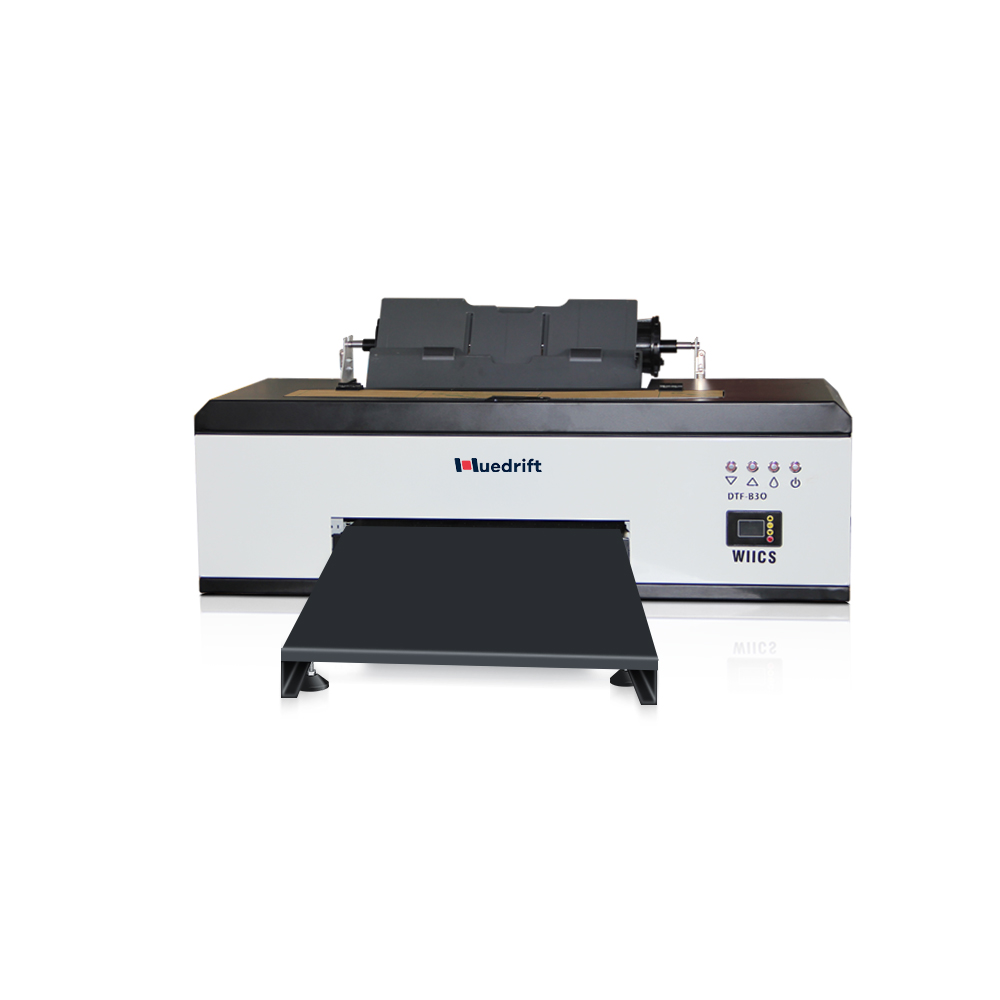
Huedrift One A3+ R1390 DTF Printer
Tired of Complex Print Setups and High Maintenance Costs?
Huedrift One A3+ R1390 DTF Printer is an adaptable and affordable medium format print-on-demand option that can achieve over 100 prints per day.
- Both roll and sheet feeding options for a range of production needs.
- With a maximum resolution up to 2880 DPI on a variety of fabrics.
- Has a 6-channel printhead which includes (CMYK + White + White) with a 3-in-1 white ink circulation to avoid clogging and for dependable printing.
Customer photos and videos
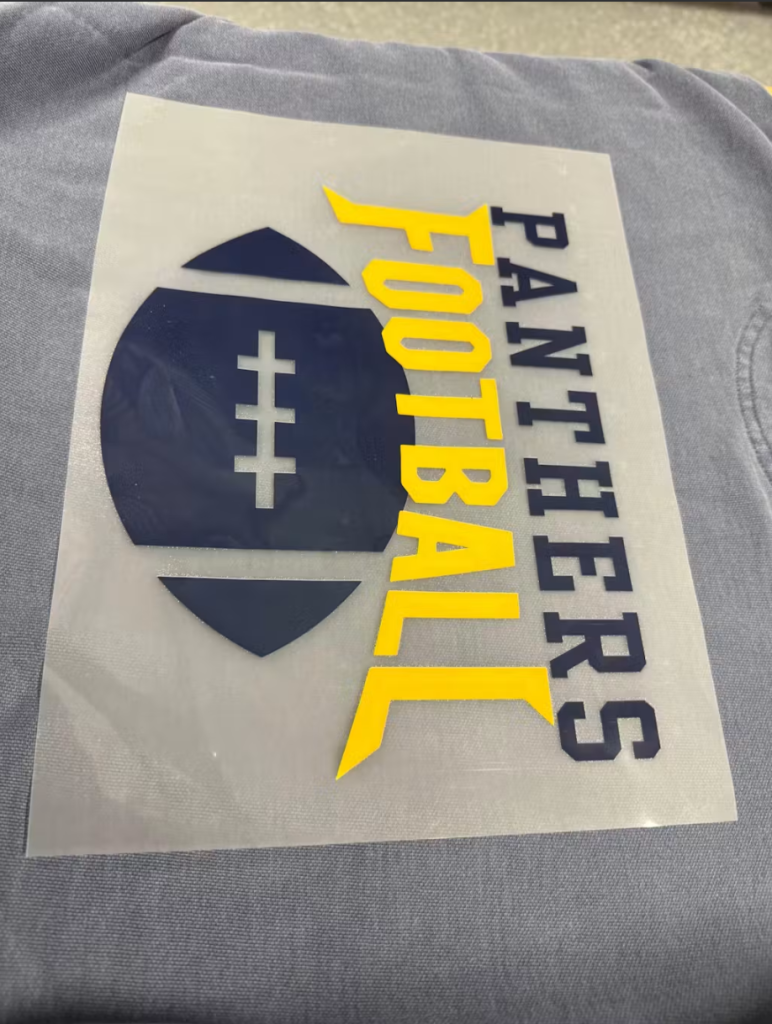
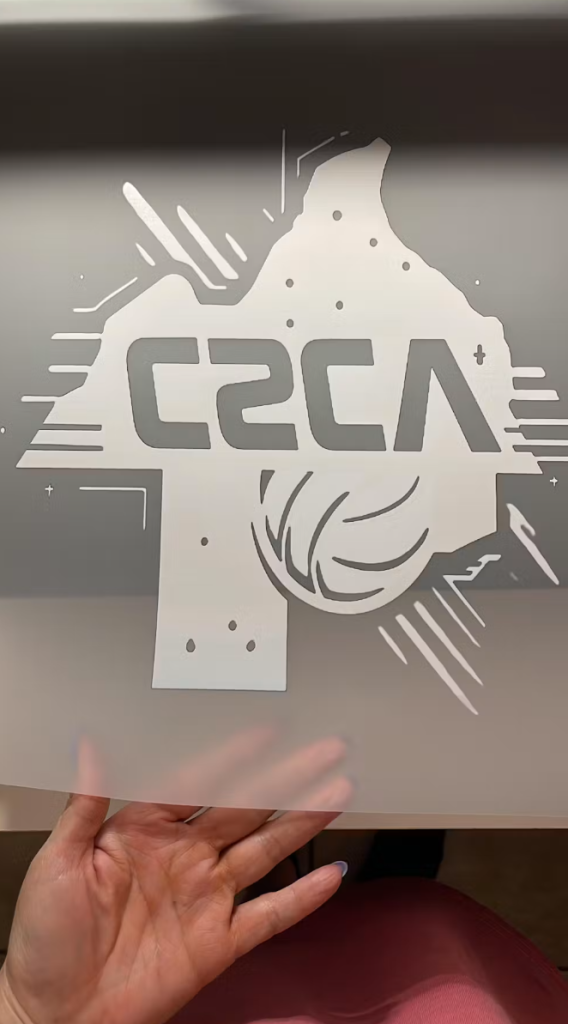

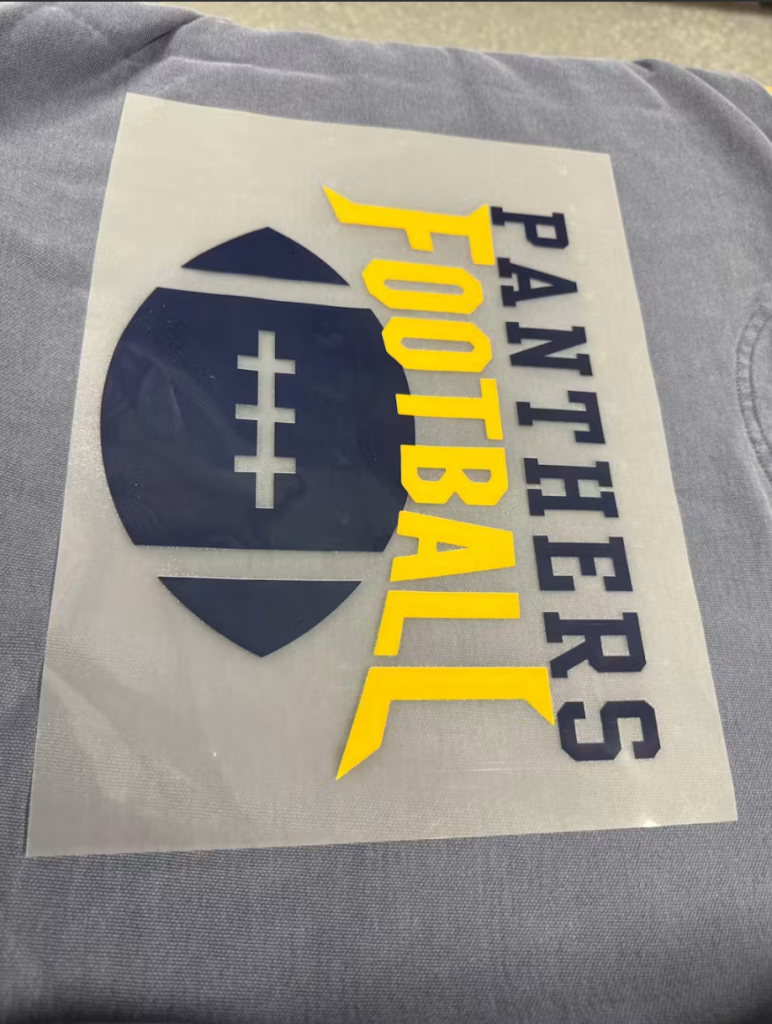
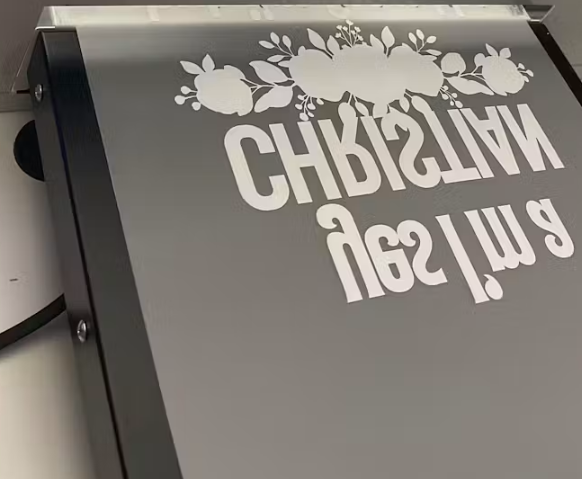

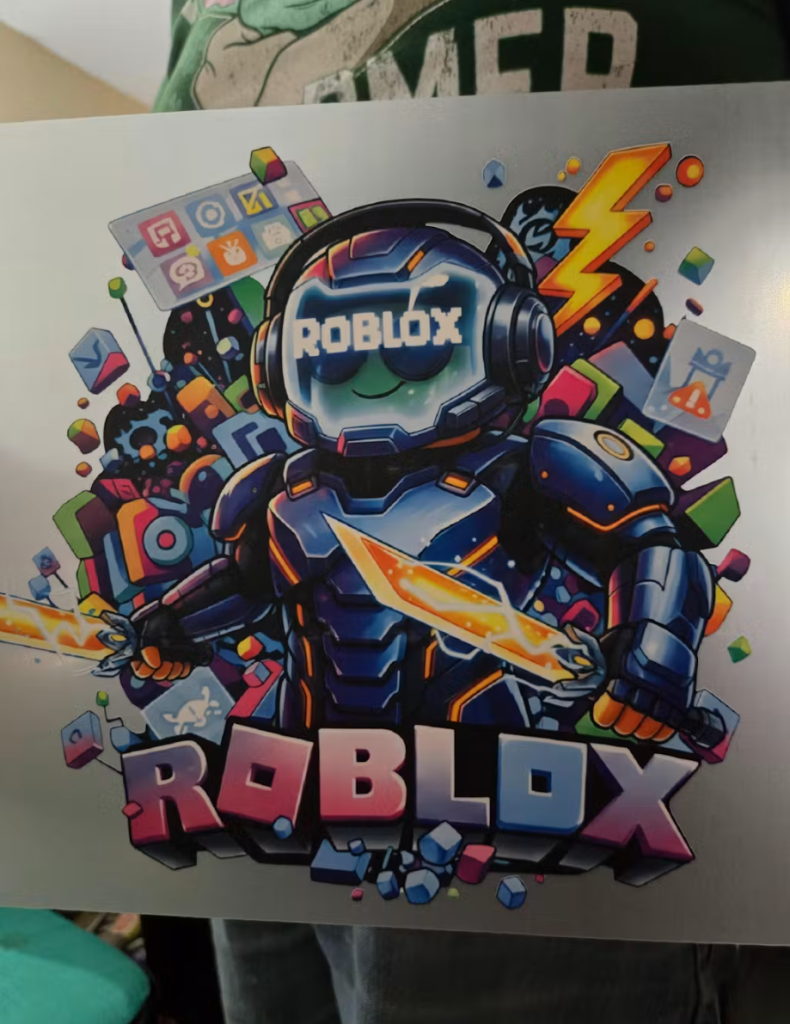

The Huedrift One DTF Printer is a solid choice if you are starting small or testing the market. It supports A3 size prints, which is enough for most standard t-shirt designs. This printer is compact and fits well in small workspaces.
It offers good color accuracy and print resolution, helping you create detailed and sharp images. Maintenance is straightforward, making it suitable for newcomers. The affordable price point keeps your initial costs low without sacrificing quality.
This model is designed for creators who want to produce small to medium batches. It handles PET films and powders efficiently so you get reliable transfers every time. Learn more about the Huedrift One DTF Printer.

Huedrift Pro DTF Printer
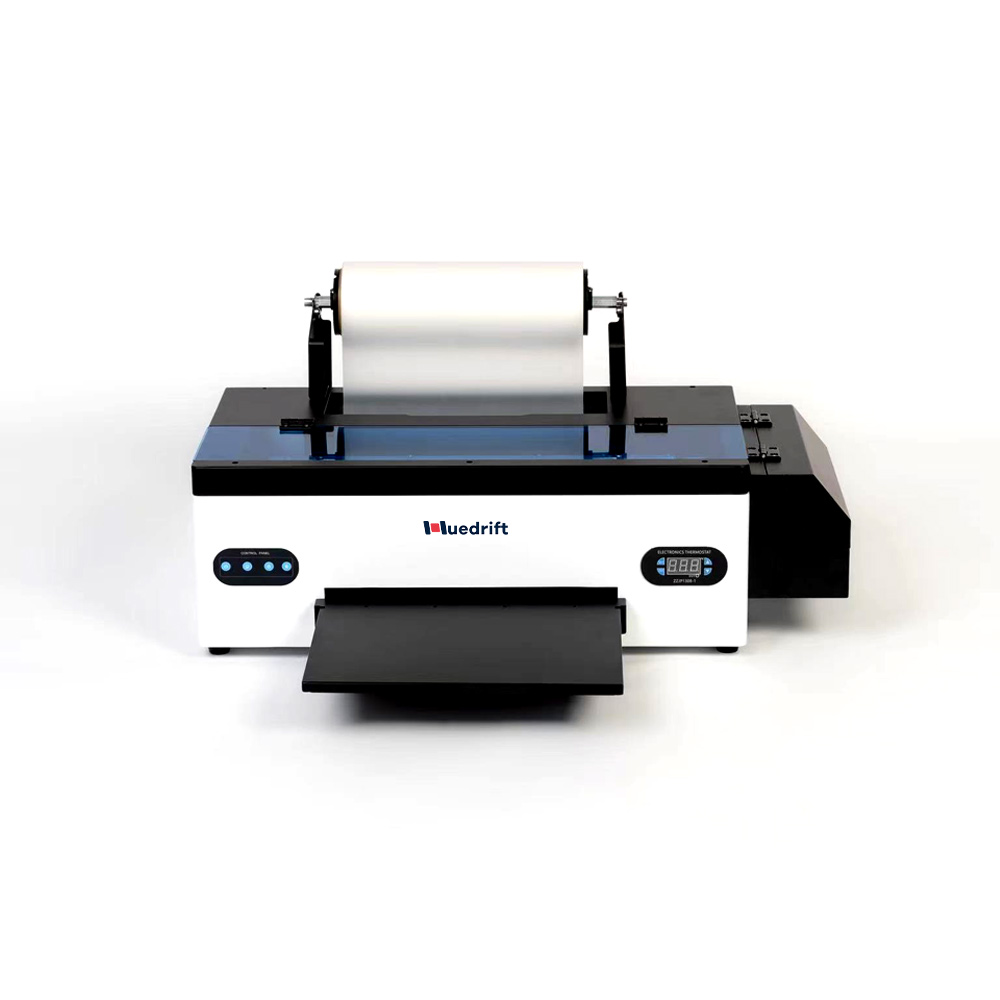
Huedrift Pro A3+ R1390 DTF Printer
Say goodbye to clogged nozzles, inconsistent colors, and slow production. The HueDrift Pro DTF Printer is built for creators and businesses who demand speed, precision, and reliability. With advanced printheads, vibrant color output, and a streamlined workflow, it delivers professional-quality transfers on a wide range of fabrics. Engineered for efficiency and durability, it’s the perfect solution to scale your custom printing business with confidence.
Customer photos and videos
-

Reviewer
very goodThis machine has been a blessing to my small business. I’ve completed dozens of orders without any printer-related issues.
(0)
(0) -

Reviewer
Easy setup and surprisingly beginner-friendly.Instead of waiting for transfers to arrive, I can print exactly what I need when I need it.
(0)
(0) -

Reviewer
The best investment I've made for my small business.Setup was surprisingly easy, even as someone completely new to DTF printing.
(0)
(0) -

Reviewer
Reliable performance with minimal downtime.What started as a side hustle is slowly turning into a real business.
(0)
(0) -

Reviewer
Perfect for my Etsy store. I can fulfill custom sock orders quickly.It completely replaced my previous manual printing process.I didn’t expect such consistent results on every batch.
(0)
(0)
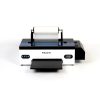

If you anticipate higher volume or want more advanced features, the Huedrift Pro DTF Printer fits well. It also uses A3 size printing but with faster production speeds and enhanced precision. This helps reduce turnaround time while maintaining print quality.
The Pro supports a broader CMYK plus white ink setup for vibrant prints with excellent detail. It includes improved software compatibility, offering better control over printing parameters and color management.
This printer suits growing businesses or entrepreneurs who want consistent output for multiple designs daily. Its durability and support options make it a dependable tool for your expanding t-shirt business. Check out the Huedrift Pro DTF Printer.

Huedrift Pro Max DTF Printer
Huedrift Pro Max DTF Printer 13″ A3 L1800
Tired of clogged nozzles, faded colors, and wasted time on unreliable printers? The HueDrift Pro Max DTF Printer 13" A3 L1800 is built to solve those frustrations. Perfect for creators, studios, and small businesses, it delivers the vibrant, long‑lasting prints your customers expect—without the headaches. With upgraded precision engineering and easy‑to‑use controls, this DTF printer ensures smooth operation, consistent transfers, and professional results on a wide variety of fabrics. Finally, you can focus on growing your business instead of fixing your printer.
Customer photos and videos
-
Reviewer
very goodThis machine has been a blessing to my small business. I’ve completed dozens of orders without any printer-related issues.
(0)
(0) -
Reviewer
Easy setup and surprisingly beginner-friendly.Instead of waiting for transfers to arrive, I can print exactly what I need when I need it.
(0)
(0) -
Reviewer
The best investment I've made for my small business.Setup was surprisingly easy, even as someone completely new to DTF printing.
(0)
(0) -
Reviewer
Reliable performance with minimal downtime.What started as a side hustle is slowly turning into a real business.
(0)
(0) -
Reviewer
Perfect for my Etsy store. I can fulfill custom sock orders quickly.It completely replaced my previous manual printing process.I didn’t expect such consistent results on every batch.
(0)
(0)
For larger scale operations, the Huedrift Pro Max DTF Printer offers A3 L1800 printing, ideal for wider or longer designs. It delivers the highest resolution and fastest print speeds in this lineup, helping you manage bulk orders efficiently.
The Pro Max features advanced ink technologies and precise temperature controls to ensure strong adhesion and wash resistance for your prints. It supports heavy use and minimal downtime with easy maintenance.
Choose this model if you want professional-grade production with flexibility across many fabric types. It’s best for businesses ready to scale and meet growing demand. Explore details on the Huedrift Pro Max DTF Printer.
Huedrift Pro Max DTF Printer 13″ A3 L1800
Tired of clogged nozzles, faded colors, and wasted time on unreliable printers? The HueDrift Pro Max DTF Printer 13" A3 L1800 is built to solve those frustrations. Perfect for creators, studios, and small businesses, it delivers the vibrant, long‑lasting prints your customers expect—without the headaches. With upgraded precision engineering and easy‑to‑use controls, this DTF printer ensures smooth operation, consistent transfers, and professional results on a wide variety of fabrics. Finally, you can focus on growing your business instead of fixing your printer.
Customer photos and videos
-
Reviewer
very goodThis machine has been a blessing to my small business. I’ve completed dozens of orders without any printer-related issues.
(0)
(0) -
Reviewer
Easy setup and surprisingly beginner-friendly.Instead of waiting for transfers to arrive, I can print exactly what I need when I need it.
(0)
(0) -
Reviewer
The best investment I've made for my small business.Setup was surprisingly easy, even as someone completely new to DTF printing.
(0)
(0) -
Reviewer
Reliable performance with minimal downtime.What started as a side hustle is slowly turning into a real business.
(0)
(0) -
Reviewer
Perfect for my Etsy store. I can fulfill custom sock orders quickly.It completely replaced my previous manual printing process.I didn’t expect such consistent results on every batch.
(0)
(0)

Step 5: Source Quality Blank T-Shirts
Sourcing quality blank T-shirts is a key step in building your brand. The blanks you choose affect comfort, print clarity, and customer satisfaction. Focus on materials that suit your target market, like 100% cotton for softness or blends for durability and reduced shrinkage.
Look for suppliers with a good reputation. Check customer reviews on independent sites to avoid biased feedback. Ordering samples allows you to test fit, feel, and print quality before committing to bulk orders.
You should consider popular manufacturers such as:
- Bella+Canvas
- Gildan
- Next Level Apparel
They offer reliable quality and a variety of styles. You can choose from crew neck, V-neck, or long sleeve, depending on what fits your brand image best.
When comparing suppliers, pay attention to:
- Price
- Minimum order quantity
- Shipping time and cost
Some suppliers offer quantity discounts, so ordering larger amounts might reduce your cost per shirt. Clear communication with your supplier is essential to ensure smooth ordering and to resolve any issues quickly. Always monitor the quality of your blanks regularly to maintain consistency for your customers.
Step 6: Set Up Your Sales Channels
Choosing where to sell your t-shirts is important. You can set up your own online store using platforms like Shopify or Etsy. These sites allow you to control your brand and customer experience.
You might also use print-on-demand services. These services print and ship your designs directly to customers. This option lowers upfront costs and removes the need to hold inventory.
Social media platforms like Instagram and Facebook can help you reach your target audience. You can promote your products, run ads, and engage with potential buyers.
Consider selling on online marketplaces as well. Sites like Amazon or eBay offer large customer bases but may have more competition and fees.
Use SEO strategies in your product descriptions to improve visibility. Proper keywords help customers find your shirts more easily.
Finally, maintain security on your sales channels to protect customer data. Implementing measures like bot verification can guard your online store against fraud and spam.
In summary, mix multiple channels to increase your reach. This could include your own website, third-party platforms, and social media. This approach helps grow your t-shirt business steadily.
Step 7: Market Your Business
Marketing is key to making your t-shirt business visible and driving sales. You need to reach the right audience and create interest in your brand.
Start by using social media platforms like Instagram, Facebook, and TikTok. Share engaging content such as photos of your designs, behind-the-scenes videos, and customer reviews. Use hashtags relevant to your niche to increase reach.
Consider collaborating with influencers who fit your target audience. Influencers can introduce your products to their followers and help build trust.
Paid ads on social media and Google can boost your visibility quickly. Set a clear budget and target your ads carefully based on age, interests, and location.
Run promotions like discounts, giveaways, or limited-time offers to encourage people to try your products. This helps build excitement and increases engagement.
Create an email list to stay in touch with customers and notify them about new designs or sales. Email marketing often has a high return on investment.
Use SEO (Search Engine Optimization) on your online store by including keywords that customers search for. This helps improve your store’s ranking on Google and other search engines.
Track your marketing efforts regularly. Use tools like Google Analytics and Facebook Insights to see what works. Focus on the strategies that bring the best results and adjust your plan as needed.
Step 8: Scale Your Business
To grow your t-shirt business, focus on expanding your product line. Introduce new designs, styles, or related products like hoodies or hats. This keeps your brand fresh and appeals to a wider audience.
Next, improve your marketing. Use paid ads, influencer partnerships, and social media campaigns to reach more customers. Track which efforts bring results and adjust your budget accordingly.
Optimize your website or online store for better user experience. Make sure navigation is easy and checkout is fast. Consider adding customer reviews and FAQs to build trust.
You should also explore new sales channels. Sell on marketplaces like Etsy, Amazon, or eBay in addition to your own store. This increases your exposure and potential sales.
Invest in better fulfillment options as order volume grows. Faster shipping and reliable packaging improve customer satisfaction and encourage repeat purchases.
Here’s a checklist to help you scale:
| Action | Reason |
|---|---|
| Add new products | Meet diverse customer needs |
| Increase marketing budget | Reach new customers |
| Improve website | Enhance shopping experience |
| Expand sales channels | Increase visibility |
| Upgrade fulfillment | Maintain service quality |
Keep an eye on your finances. Use profits to reinvest in marketing, product development, and customer service. Scaling takes careful planning but can lead to steady growth.
Conclusion
Starting a t-shirt business takes thought and effort. You need to research your market well and choose a clear niche to stand out from competitors.
Using a print-on-demand service can lower your startup costs and simplify order management. It allows you to focus on designing shirts and marketing your brand.
Your design quality and pricing strategy greatly affect your sales. Keep your designs simple, attractive, and suited to your target audience.
Building an online store is essential. Pick a platform that fits your needs and budget while offering the best experience for your customers.
Track your sales and listen to customer feedback. This helps you improve your designs, pricing, and marketing over time to grow your business steadily.
Remember, success comes from patience, consistency, and smart decisions. Keep improving and adapting as you learn what works best for your t-shirt business.
Frequently Asked Questions
Starting a t-shirt business involves selecting a niche, choosing the right production method, and setting up a sales platform. You’ll need to manage costs, plan your designs, and market effectively to succeed.
What are the initial steps to launching a t-shirt business from home?
Begin by choosing a specific audience or niche for your t-shirts. Create unique designs that connect with that group.
Next, select a print-on-demand service or printing method to produce your shirts. Set up an online store or sell through marketplaces to reach customers.
How can one start a t-shirt business with minimal investment?
Use print-on-demand services to avoid buying inventory or printing equipment. This lowers upfront costs because you only pay when you make a sale.
Focus on digital marketing and social media to promote your brand without spending much on ads. Start small with a limited design range to test the market.
What equipment is essential for beginning a t-shirt printing operation?
If you choose direct printing yourself, you’ll need a DTG (direct-to-garment) printer, heat press, or screen printing setup.
For most beginners, partnering with print-on-demand providers removes the need for equipment. However, a good computer and design software are necessary to create your artwork.
What strategies are recommended for maximizing profit margins in a t-shirt business?
Calculate all costs including production, shipping, and platform fees before setting prices. Aim for a profit margin between 10% to 50%.
Focus on targeting a clear niche to reduce marketing costs and increase customer loyalty. Test pricing and update your designs seasonally to keep demand steady.
How viable is an online t-shirt business in terms of profitability?
An online t-shirt business can be profitable if you manage costs and create appealing designs for specific customers.
Using print-on-demand reduces risk, but success depends on standing out in a competitive market and marketing effectively to reach your audience.
Is it possible to establish a t-shirt business within 24 hours, and if so, how?
Yes, you can start quickly by choosing a print-on-demand platform, uploading your designs, and linking it to an ecommerce store or marketplace.
With pre-made designs and ready-to-use templates, you can have your online store live and selling within a day. However, building a brand and consistent sales takes longer.
Reviewer
This machine has been a blessing to my small business. I’ve completed dozens of orders without any printer-related issues.
(0)
(0)
Reviewer
Instead of waiting for transfers to arrive, I can print exactly what I need when I need it.
(0)
(0)
Reviewer
Setup was surprisingly easy, even as someone completely new to DTF printing.
(0)
(0)
Reviewer
What started as a side hustle is slowly turning into a real business.
(0)
(0)
Reviewer
It completely replaced my previous manual printing process.I didn’t expect such consistent results on every batch.
(0)
(0)